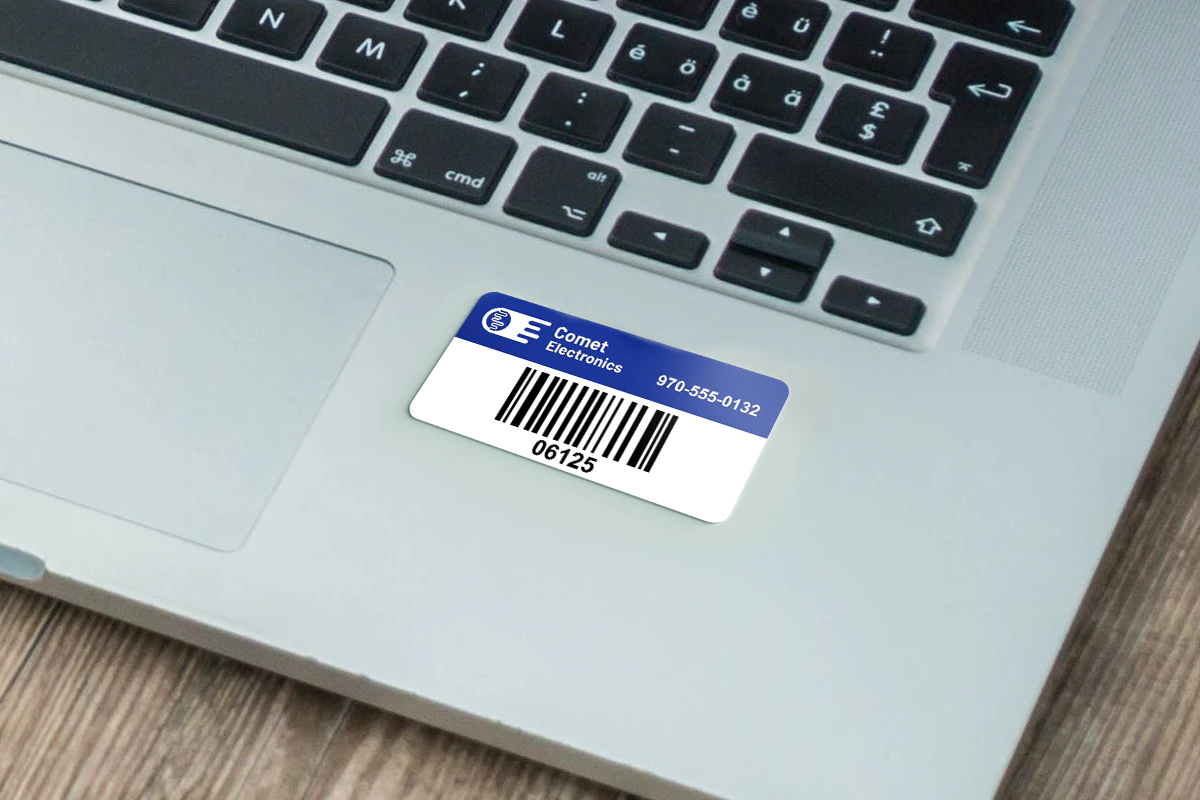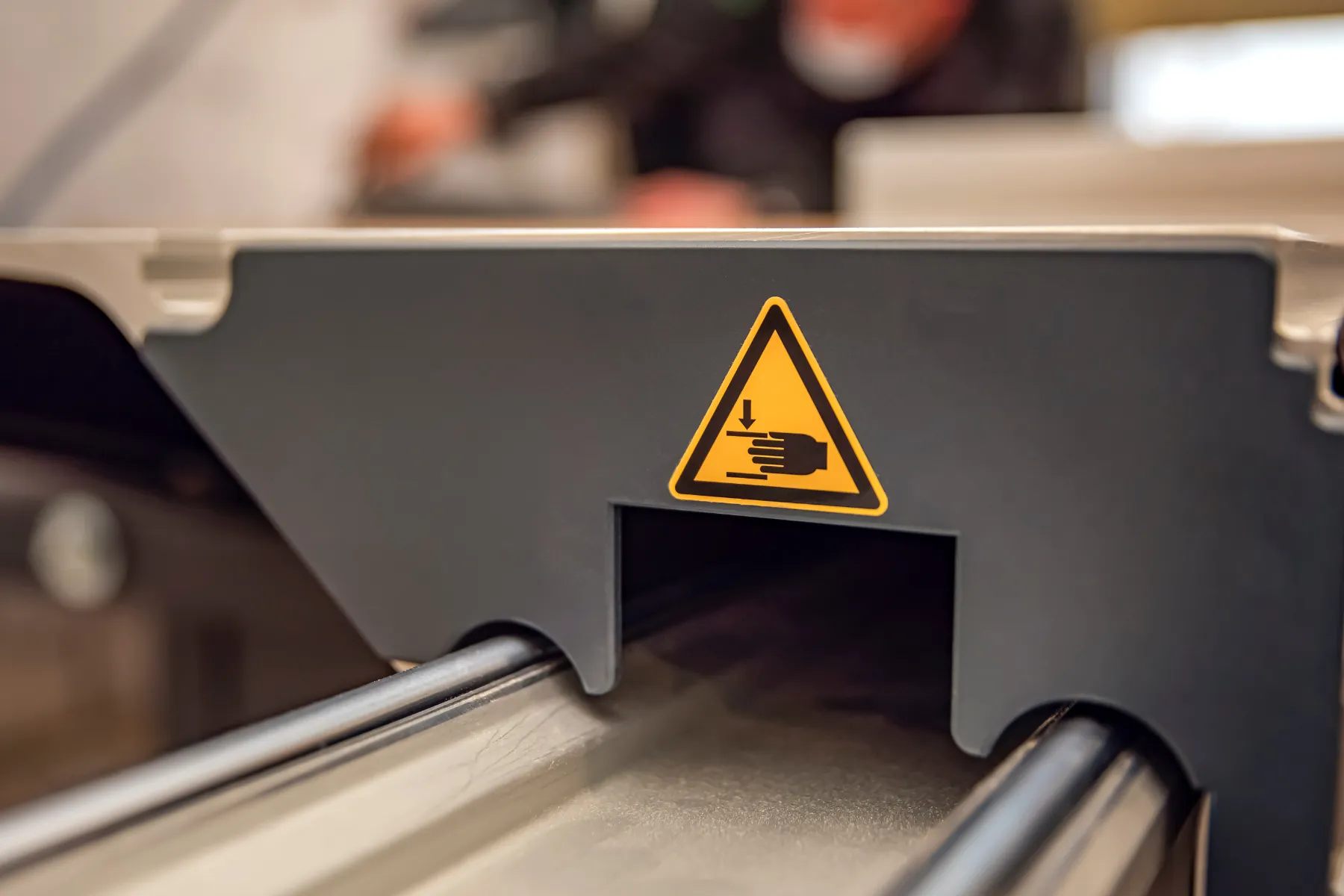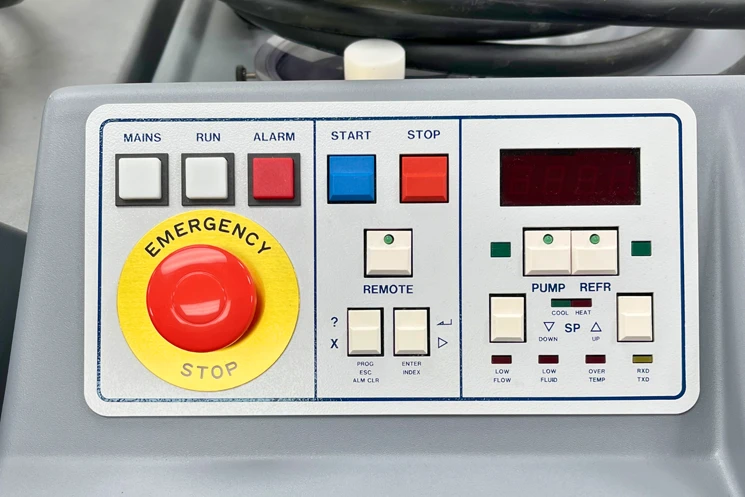








To implement a barcode system in a warehouse, start by deciding what needs to be tracked, choose the right barcode format, create a clear numbering system, print durable barcode labels, connect each barcode to a spreadsheet or inventory platform, then train your team to scan consistently.
A warehouse barcode system does not have to start with expensive software. Many smaller teams begin with printed barcode labels, a basic scanner, and a spreadsheet. The important part is building a system your team can follow every day without guessing where inventory, equipment, tools, bins, or storage locations belong.
This guide walks through the setup process step by step, including what to label, which barcode types to use, where to place labels, what mistakes to avoid, and how to know whether the system is actually improving warehouse accuracy.
Need durable barcode labels before you build your system? Shop custom barcode labels designed for inventory, equipment, and asset tracking.
What a Warehouse Barcode System Does
A warehouse barcode system gives each item, location, bin, rack, pallet, tool, or asset a unique scannable code. When that code is scanned, it connects the physical item to a digital record.
That record might live in a warehouse management system, inventory platform, ERP, spreadsheet, or shared database. The setup can be simple or complex, but the purpose is the same: make warehouse activity easier to track, verify, and update.
A barcode system can help teams:
- Confirm where inventory is stored
- Reduce manual entry errors
- Speed up picking, packing, and audits
- Track tools, equipment, bins, racks, and assets
- Improve receiving and putaway accuracy
- Create cleaner records for purchasing, reordering, and cycle counts
- Reduce time spent searching for misplaced items
Barcodes work because they remove guesswork from repeated warehouse tasks. Instead of relying on handwritten notes, verbal updates, or visual checks, teams can scan the label and update the record directly.
What You Need to Set Up a Warehouse Barcode System
A barcode system usually has four basic parts: the barcode itself, the label, the scanner, and the system that stores the data.
1. Barcode Labels
Barcode labels are the physical labels applied to products, bins, shelves, racks, pallets, tools, or equipment. In a warehouse, the label material matters because labels may be exposed to abrasion, dust, moisture, cleaning, temperature changes, and frequent handling.
For most warehouse environments, paper labels are not the best long-term option. Synthetic, laminated, polyester, vinyl, or other durable materials are usually better for labels that need to stay readable over time.
2. Barcode Scanner
A scanner reads the barcode and sends the data into your system. Some warehouses use handheld scanners, while others use mobile devices, tablets, or scanner apps. The right option depends on scan volume, environment, distance, and how your team works.
3. Tracking System or Spreadsheet
The barcode needs to connect to a record. For small warehouses, that record might be a spreadsheet in Excel or Google Sheets. For larger operations, it may be a WMS, ERP, asset management platform, or inventory management system.
The system should identify what the barcode represents and what information should be updated when it is scanned.
4. Clear Naming and Numbering Rules
A barcode system only works well when each barcode value is unique and consistent. Before printing labels, decide how barcode IDs will be structured.
For example:
- Product locations may use aisle, rack, shelf, and bin numbers
- Equipment may use asset ID numbers
- Inventory may use SKU or lot-based IDs
- Returnable containers may use serialized tracking numbers
- Tools may use department or location prefixes
A simple naming system helps prevent duplicate codes, unclear records, and scanning errors later.
Step-by-Step Guide to Implementing a Barcode System in a Warehouse
Step 1: Decide What Needs to Be Tracked
Start by walking the warehouse and listing everything that needs to be scanned or tracked.
Common barcode targets include:
- Products
- SKUs
- Bins
- Shelves
- Racks
- Aisles
- Pallets
- Carts
- Tools
- Equipment
- Returnable containers
- Storage zones
- Workstations
- Safety supplies
Do not start by labeling everything at once. Begin with the items or locations causing the most errors, delays, or manual work. For many warehouses, that means starting with high-volume inventory, frequently moved assets, or storage locations used in picking and receiving.
Step 2: Map Your Warehouse Locations
Before printing labels, create a location map. Each warehouse location should have a clear name that workers can understand and scanners can record.
A basic warehouse location structure might include:
- Zone
- Aisle
- Rack
- Shelf
- Bin
Example format:
A1-R03-S02-B04
This type of structure tells your team exactly where the item belongs. It also makes it easier to sort inventory, plan picking routes, and audit storage areas.
For small warehouses, a simple aisle and bin structure may be enough. For larger facilities, add zones, rack numbers, shelf levels, or pallet positions.
Step 3: Choose the Right Barcode Type
Different barcode formats work better for different types of data. The best choice depends on how much information needs to be stored, what scanners you use, and how much label space is available.
| Barcode Type | Best For | Why It Works | Watchouts |
|---|---|---|---|
| Code 128 | General warehouse inventory, SKUs, bins, equipment | Compact, flexible, supports letters and numbers | Requires good print clarity |
| Code 39 | Simple alphanumeric tracking | Easy to use and widely supported | Takes more label space than Code 128 |
| QR Code | Linking to manuals, records, forms, or web pages | Stores more information than a linear barcode | May be more than needed for basic inventory |
| Data Matrix | Small parts, electronics, industrial assets | Works well in compact spaces | Requires compatible scanners |
For most warehouse inventory systems, Code 128 is a practical starting point. QR codes may be useful when the label needs to connect to a manual, form, maintenance record, or online asset file.
Step 4: Build a Barcode Database or Spreadsheet
Each barcode should connect to a record. At minimum, that record should explain what the barcode represents.
A basic warehouse barcode spreadsheet might include:
- Barcode ID
- Item name
- SKU or part number
- Location
- Quantity
- Unit of measure
- Asset owner or department
- Date created
- Last scan date
- Notes
For warehouse locations, the record may be simpler. For equipment, assets, or serialized inventory, you may need more fields such as purchase date, service status, warranty information, or department assignment.
The goal is to make sure every barcode has a single source of truth.
Step 5: Select the Right Label Material and Adhesive
Warehouse labels need to stay readable and attached. The right label depends on where the label will be applied and what conditions it will face.
Consider:
- Surface type: metal, plastic, wood, cardboard, glass, painted surfaces, powder-coated surfaces
- Exposure: heat, cold, moisture, dust, sunlight, chemicals, abrasion, cleaning
- Use case: inventory labels, rack labels, bin labels, equipment labels, asset tags, compliance labels
- Durability needs: short-term, long-term, tamper-evident, outdoor, high-heat, removable, permanent
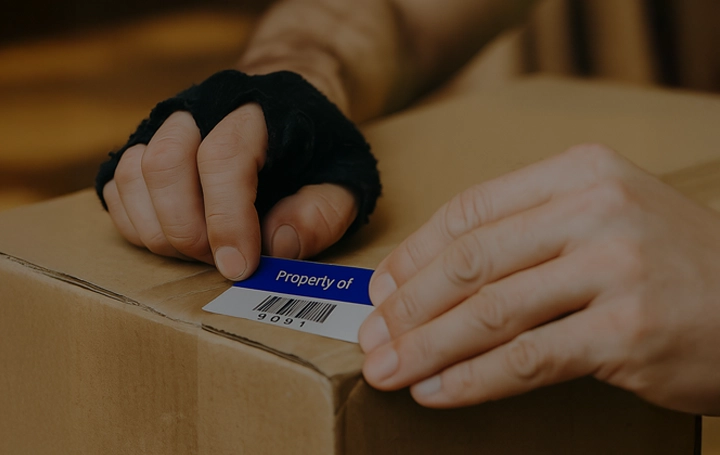
Paper labels may work for temporary cartons or short-term use, but they often tear, smudge, fade, or lift in active warehouse environments. Durable barcode labels are usually a better fit for racks, bins, equipment, tools, and long-term inventory tracking.
Step 6: Decide Where Each Label Should Be Placed
Label placement affects scan speed, accuracy, and durability. A barcode label should be easy to see, easy to scan, and protected from unnecessary wear when possible.
Best practices for warehouse label placement:
- Place bin labels on the front-facing side where workers naturally scan
- Place rack labels at a consistent height when possible
- Avoid curved, dirty, oily, or heavily textured surfaces
- Keep labels away from corners, seams, hinges, or high-abrasion contact points
- Use larger labels for long-distance scanning
- Test scan angles before applying labels across the full warehouse
- Keep location labels visually consistent so workers do not have to search for them
For equipment and tools, place labels where they are visible during use but less likely to be scraped, covered, or handled constantly.
Step 7: Print and Test a Small Batch First
Before labeling the full warehouse, print a small test batch. Apply labels to real surfaces and test them with the scanners, mobile devices, or apps your team will use.
Check for:
- Scan distance
- Scan angle
- Label size
- Contrast
- Adhesion
- Surface fit
- Data accuracy
- Duplicate barcode values
- Readability after handling or cleaning
Testing a small batch helps prevent costly reprints, mislabeled locations, and rollout delays.
Step 8: Train the Team Before Launch
A barcode system fails when people do not know when to scan, what to scan, or what to do when something does not match the system.
Training should cover:
- When to scan items or locations
- How to confirm the right record was updated
- What to do if a barcode will not scan
- How to report damaged or missing labels
- How to handle new inventory or new locations
- Who owns barcode updates and corrections
Keep the process simple. Workers should know exactly what the scan means and what action should happen next.
Step 9: Roll Out in Phases
For most warehouses, a phased rollout is safer than labeling everything at once.
A practical rollout might look like this:
- Start with one zone, aisle, product category, or asset group
- Test scanning during normal work
- Correct label placement or data issues
- Train the next group of users
- Expand to more areas once the process works
This keeps the project manageable and gives your team time to identify problems before the system expands.
Step 10: Measure Results and Improve the System
A barcode system should improve accuracy, speed, and visibility. Track performance before and after rollout so you know whether the system is working.
Useful metrics include:
- Pick accuracy
- Scan compliance
- Inventory audit time
- Cycle count accuracy
- Misplaced item rate
- Reorder accuracy
- Label failure rate
- Time spent searching for products or equipment
- Number of manual corrections
If labels are falling off, scanning poorly, or being skipped by workers, the problem may be the label material, placement, training, scanner setup, or database structure.
Warehouse Barcode Setup Checklist
Use this checklist before printing and applying barcode labels across the warehouse.
- Identify what needs to be tracked
- Map warehouse zones, aisles, racks, shelves, and bins
- Choose a barcode format
- Create a consistent numbering system
- Build a spreadsheet or database
- Match label material to the surface and environment
- Choose label sizes based on scan distance and available space
- Test label adhesion and scannability
- Print a small pilot batch
- Train workers on scanning procedures
- Document what to do when a label is damaged or missing
- Track performance after rollout
- Update the system as the warehouse changes
Building a warehouse barcode system? Maverick Label can print durable custom barcode labels for bins, racks, equipment, tools, and inventory tracking.
Common Warehouse Barcode Mistakes to Avoid
Mistake 1: Printing Labels Before Finalizing the Data
If barcode values, SKU numbers, or location names change after labels are printed, the rollout can become confusing quickly. Finalize the data structure before printing large batches.
Mistake 2: Using Paper Labels in Harsh Warehouse Conditions
Paper labels may be fine for temporary cartons, but they are not ideal for permanent warehouse locations, tools, bins, racks, or equipment. If labels tear, fade, or fall off, the system becomes unreliable.
Mistake 3: Creating Duplicate Barcode Values
Each barcode should represent one record. Duplicate barcode values can cause inventory errors, mis-picks, and incorrect updates.
Mistake 4: Placing Labels Where Workers Cannot Scan Them Easily
Labels should be visible and scannable during normal workflow. If workers have to bend, climb, move items, or guess where the label is, scanning compliance will suffer.
Mistake 5: Forgetting to Label Locations
Many teams label products but forget shelves, bins, racks, aisles, or storage zones. Location labels are what help the system show where inventory belongs.
Mistake 6: Skipping Team Training
Barcode systems are process tools, not just labels. If the team is not trained, the system may not be used consistently.
Why Barcode Systems Work in Low-Tech Warehouses
You do not need a full warehouse management system to benefit from barcode labels. Many small and midsize warehouses begin with barcode labels, scanners, and a shared spreadsheet.
For example, a warehouse might create a simple Google Sheet with barcode IDs, item descriptions, quantities, and bin locations. When workers scan a barcode, the scan helps them find or update the right record.
This type of system can help teams move away from handwritten notes, visual checks, and verbal updates. Even without advanced software, the warehouse gains a clearer way to identify what is stored, where it belongs, and when it was last checked.
The key is consistency. A simple system that workers actually use is often more valuable than a complex system that is poorly maintained.
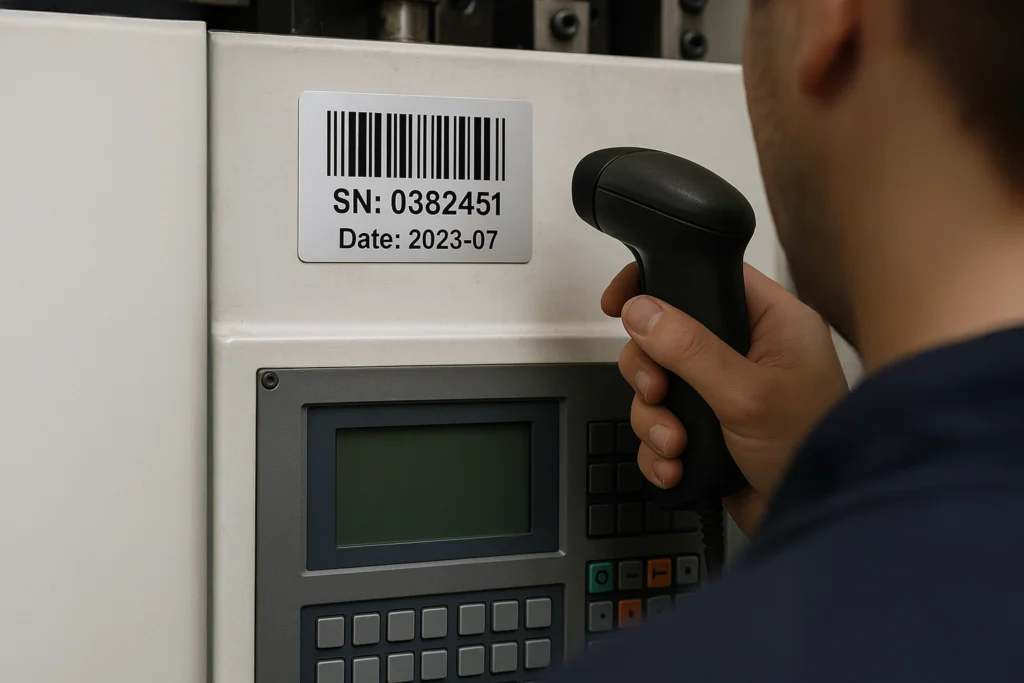
Example: Moving from Manual Counts to Barcode Scanning
A warehouse that relies on printed lists and manual counts may struggle with misplaced inventory, slow audits, and inconsistent stock updates. A barcode system can create a cleaner process without requiring a complete software change.
A practical first phase might include:
- Barcode labels for each bin or shelf
- Unique barcode values for high-volume SKUs
- A shared spreadsheet that stores barcode IDs and item details
- Handheld scanners used during receiving, picking, and cycle counts
- A clear process for reporting damaged or missing labels
After rollout, the team should compare performance against the old process. Look for changes in audit time, picking accuracy, stock discrepancies, and the number of manual corrections.
When to Use Barcode Labels, Asset Tags, or Equipment Labels
Barcode systems often involve more than one label type. The right product depends on what is being labeled and how long the label needs to last.
| Label Type | Best For | Recommended Use |
|---|---|---|
| Barcode Labels | Inventory, bins, racks, products, cartons, equipment | Scannable tracking and identification |
| Asset Tags | Tools, laptops, machinery, equipment, fixed assets | Long-term asset ownership and audit tracking |
| Equipment Labels | Industrial equipment, panels, machinery, safety-related identification | Durable identification in demanding environments |
| Inventory Labels | Stockrooms, warehouses, storage areas, product tracking | Organizing and tracking inventory movement |
If the label needs to be scanned repeatedly, exposed to warehouse handling, or tied to a tracking system, choose a durable barcode label or asset tag instead of a standard paper label.
How Maverick Label Supports Warehouse Barcode Tracking
Maverick Label prints custom barcode labels, asset tags, inventory labels, and equipment labels for teams that need durable identification in real work environments.
Depending on your application, labels can be built for:
- Product identification
- Equipment tracking
- Asset management
- Warehouse bins and shelves
- Inventory control
- Industrial environments
- Consecutive numbering
- Variable data
- Barcode and QR code printing
- Durable indoor or outdoor use
If you already have barcode values in a spreadsheet, those values can be used to produce labels for your warehouse system. If you are still planning your setup, start by deciding what needs to be tracked and what conditions the labels need to withstand.
Have barcode values ready? Send your spreadsheet and get custom barcode labels printed for your warehouse setup.
Warehouse Barcode System FAQs
How do I implement a barcode system in a warehouse?
Start by identifying what needs to be tracked, mapping warehouse locations, choosing a barcode type, creating unique barcode values, printing durable labels, connecting each barcode to a spreadsheet or system, then training your team to scan consistently.
What barcode type is best for warehouse inventory?
Code 128 is often a strong choice for warehouse inventory because it is compact, scanner-friendly, and supports letters and numbers. QR codes may be useful when you need to connect the label to a web page, manual, form, or longer data record.
Do I need warehouse management software to use barcodes?
No. A warehouse management system can help larger operations, but smaller teams can start with barcode labels, a scanner, and a spreadsheet in Excel or Google Sheets.
What should be labeled in a warehouse barcode system?
Common items to label include products, bins, shelves, racks, aisles, pallets, tools, equipment, workstations, and storage zones. Start with the items or locations that cause the most errors, delays, or manual tracking.
What kind of labels work best for warehouse barcodes?
Warehouse barcode labels should be durable, scannable, and matched to the surface and environment. Synthetic, laminated, polyester, vinyl, or other durable materials are usually better than standard paper for long-term warehouse use.
Can I create warehouse barcodes in Excel?
Yes. Excel can be used to organize barcode values, item names, locations, quantities, and other tracking details. Many teams use Excel or Google Sheets as a simple starting point before moving to more advanced inventory software.
Where should barcode labels be placed in a warehouse?
Place barcode labels where workers can scan them quickly and consistently. For bins and shelves, use a visible front-facing location. For equipment, choose a spot that is easy to access but protected from frequent scraping, handling, or impact.
How long does it take to set up a warehouse barcode system?
A small warehouse can often begin with a pilot area in a few days once the data, labels, and scanner setup are ready. Larger warehouses may need a phased rollout across zones, departments, or product categories.
A barcode system is only as reliable as the labels and data behind it. Before rolling out your warehouse barcode setup, make sure each barcode is unique, easy to scan, placed where workers can use it, and printed on a material that can hold up in your environment.
Maverick Label can help print custom barcode labels, asset tags, inventory labels, and equipment labels for warehouse tracking systems of all sizes.